Every time you say, “We’re going to launch something,” your creative team or vendor is fighting for their life to guess how many assets you need for this “something”.
And often, it’s treated like, “Let’s do more variations, because the more, the better.” You end up with 50 creatives, but none generate leads or high conversion rates. So is the quantity a real deal?
Figure out what design & creative capacity you need per campaign
3 creatives or 33 creatives to launch a campaign?
Alright, founders, marketers, and anyone trying to launch the next big thing—let’s break it down.
You’ve probably heard the “more is better” gospel for a new launch: 33 ad creatives, 2 landing page options, 7 videos, yada yada. But in fact, you don’t need that much to see results.
Overloading your campaign with assets from the beginning is like trying to sprint a marathon in clown shoes—messy, expensive, and unnecessary. The magic number of assets to start with is way smaller. Often, just a handful of smart, well-crafted assets is enough to see impact and figure out what works. And then, you analyze and repeat this cycle.
The bare minimum of assets that brings results
01 Landing page
Purpose: the hub where your traffic converts.
Minimum: one.
Features: clear headline, value proposition, one main CTA, social proof, and one optional upsell or secondary CTA.
Tip: keep it clean—just the promise or benefit is enough to make leads act.
02 Ad creatives (Meta, Google, LinkedIn)
Purpose: grab attention and drive traffic.
Minimum: 1–3 per pain point/message.
Features: different hooks, diverse visuals, and many resizes.
Tip: test messaging, not just colors. One good idea can outperform a dozen average designs.
03 Copy variations
Purpose: fit ad creatives on different platforms.
Minimum: 5 headlines and 3 body text combos per platform.
Features: different angles (problem/solution, benefit-first, curiosity-driven, or funny/sassy).
Tip: start with the key point—there is no time or space to go slow.
04 Newsletters
Purpose: nurture leads and drive conversions.
Minimum: 2–3 emails (promotional, follow-up, and maybe one last call).
Features: strong subject line, short and punchy body, clear CTA.
Tip: keep it mobile-friendly. More than 60% of people will read your email on their phone.
05 Videos
Purpose: boost engagement, explain your product, or tell your story.
Minimum: 1–2 short videos.
Features: hook in the first 3 seconds, value up front, and CTA at the end.
Tip: don’t overproduce. Sometimes a quick, authentic video crushes a Hollywood-style ad.
Necessary vs excessive assets
There’s a slight difference between must-have and good-to-have.
You do need enough assets to give algorithms something to chew on. But you don’t need to build a huge content library before launch. There’s necessary, and then there’s “Why did we spend four weeks designing carousel #17 when we don’t even know if people want this product?”
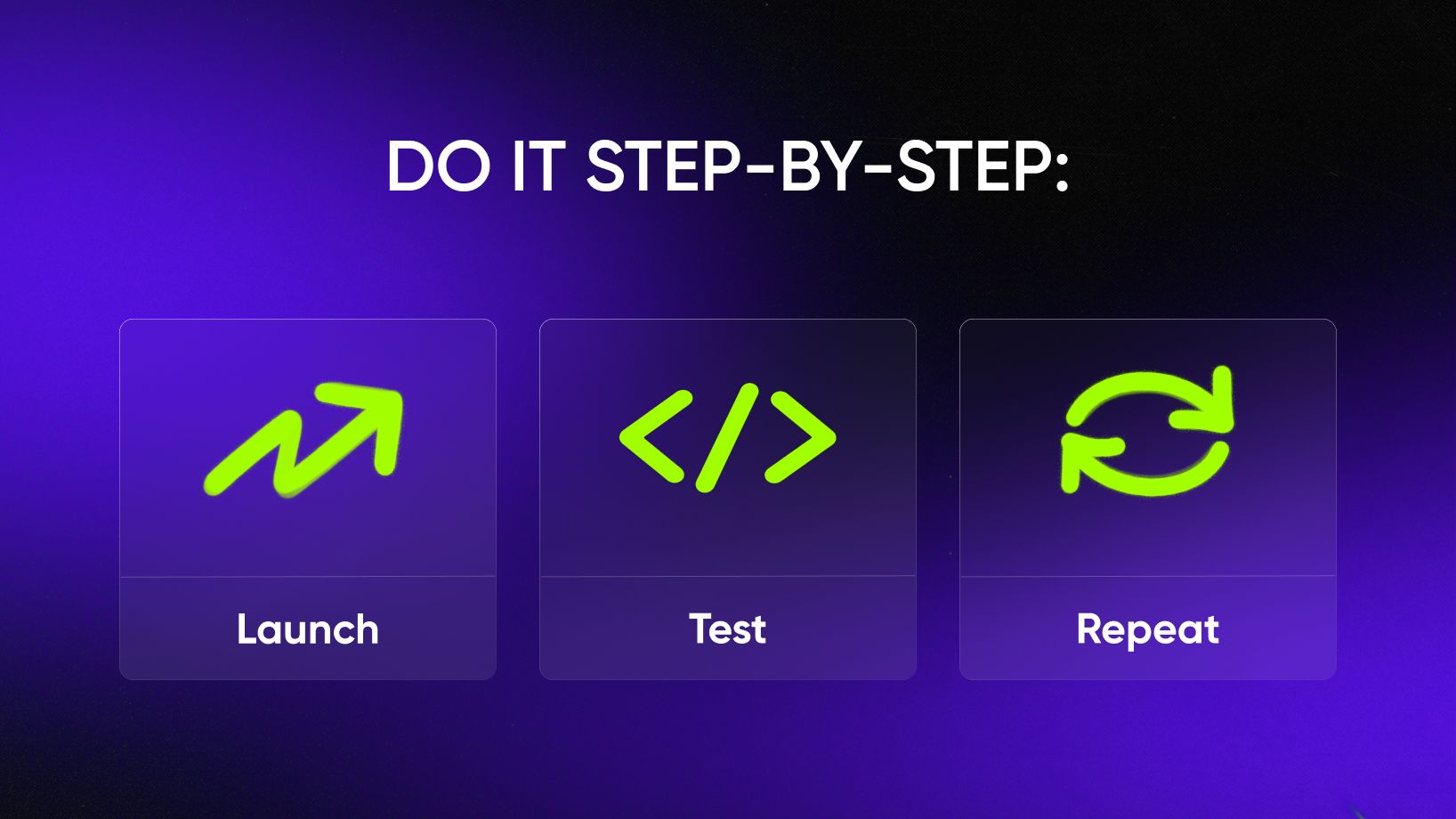
If you don’t know which message works yet, producing 30 versions of the same idea is basically creative waste. Start with the essentials (necessary), validate what resonates, and then scale (excessive). That’s how you avoid setting money on fire.
Excessive assets: A/B testing
A/B testing is your best friend in marketing—testing a few options before committing 3 weeks of production team capacity saves a lot of money. Here’s what’s worth testing:
A/B testing for landing pages
- Test design: change layout, structure, or flow.
- Test primary CTAs: which button works better (e.g., “Get started” vs “Start free trial” vs “Take the quiz”).
- Test alternative text: after you have heatmap data, see how users interact, what they read, and when they skip—and then change text.
A/B testing for creatives
- Keep copy, change design: this shows what visual style people respond to.
- Keep design, change copy: try other messages and pain points for designs that already showed promising results.
A/B testing for emails
- Change copy: subject lines, lengths, formatting, or CTAs.
- Change the layout or colors: see which mode works better.
And remember: redesign based on analytics from testing. If a creative or LP is performing, excellent; don’t spend budget on creating a new wheel. You shouldn’t redo and multiply all designs just because—follow the data, not your creative itch.
Creative marketing partnership by Qream
Boost campaign speed by 50% or more by unlocking specialist Q-skills across design, motion, 3D, and copy.

What determines how many assets you need
Campaign goals
Different goals = different asset expectations. If you go for brand awareness, you need more creative variations to avoid ad fatigue. If it’s for lead gen, focus on a strong LP and enough ads to test what drives engagement. If it’s for retention, you’ll mostly need emails and content-driven pieces.
Audience segmentation
The more different they are, the more tailored assets you need. Enterprise CFOs, VPs, and Gen Z founders may not respond to the same ad.
Channels & budget
More channels mean more formats and a larger budget (since you need more variations to launch it efficiently). If you’re running Meta, Google, and LinkedIn at the same time, bless your designer’s soul.
Testing & optimization strategy
If your approach is “launch and pray,” then sure, two creatives are enough—and let them run to the last day of this year. But if you’re optimizing, comparing CTRs or conversions, and scaling, you’ll need a mix of variations to see patterns and insights.
Realistic number of assets to start with
The launch kit that gets results without drowning you in production hell:
- 10–15 creatives (with multiple resizes) to give algorithms enough options without overwhelming the team. Extra resizes help you cover all formats without reinventing templates and ideas.
- 1 landing page. Start with one well-built LP, then test copy/design variations once traffic comes in.
- A 2–4-email sequence: for example, welcome email, value & promo, proof, and last call/final CTA.
- 2 video ads: better to do with multiple cuts (e.g., 6s, 15s, 30s). Short cuts are better for performance, longer cuts for storytelling and explainers.
- Extra sets of creatives after first results (up to 7 per kit). Once you see what works, double down and produce new versions based on performance.
From 0 assets to multichannel comms, we ensured that the refreshed brand would be seen in digital
Find out how we launched a new brand of Bittersweet.cars
Read case study
How marketers accidentally sabotage themselves: common mistakes
Most campaigns don’t fail because the product sucks—they fail because the marketing setup was wrong from the beginning. Based on our partnership experience, we’re sharing three common mistakes (and you absolutely want to skip them).
01 Creating too many assets upfront without testing
This is the classic trap: you spend weeks building 40 creatives, 8 videos, and 5 lead magnets, but none of them were tested, so half of them never even see daylight. Quantity doesn’t replace strategy.
Start lean → test → scale the winners.
02 Neglecting asset quality in favor of quantity
Yes, you need multiple variations. No, that doesn’t mean you can drop 10 low-effort creatives and call it a day.
A few well-crafted, strategically different assets will outperform a batch of rushed ones every single time. Don’t make 12 versions because someone said you needed 12. Ask yourself what the benefit of scaling is—and follow the rationale.
03 Not aligning assets with clear campaign goals
Every asset should have a job. If you’re running awareness but your creatives scream “Buy Now,” your audience will be confused—and confused people don’t convert.
If your goal is to generate leads, your landing page should not be a brand storybook. If you want conversions, your email sequence better not sound like a philosophical TED talk. So build clear messages & double-check narratives for each launch.
Written by

Brand strategy | Content systems | UX writing
Builds messaging systems that connect positioning, product value, and audience needs. Reviews content through the lens of brand clarity, tone of voice, UX writing, creative concepts, and digital distribution.